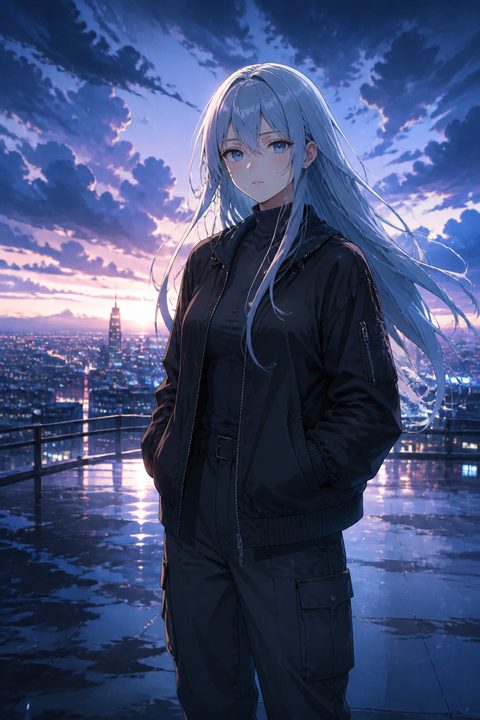
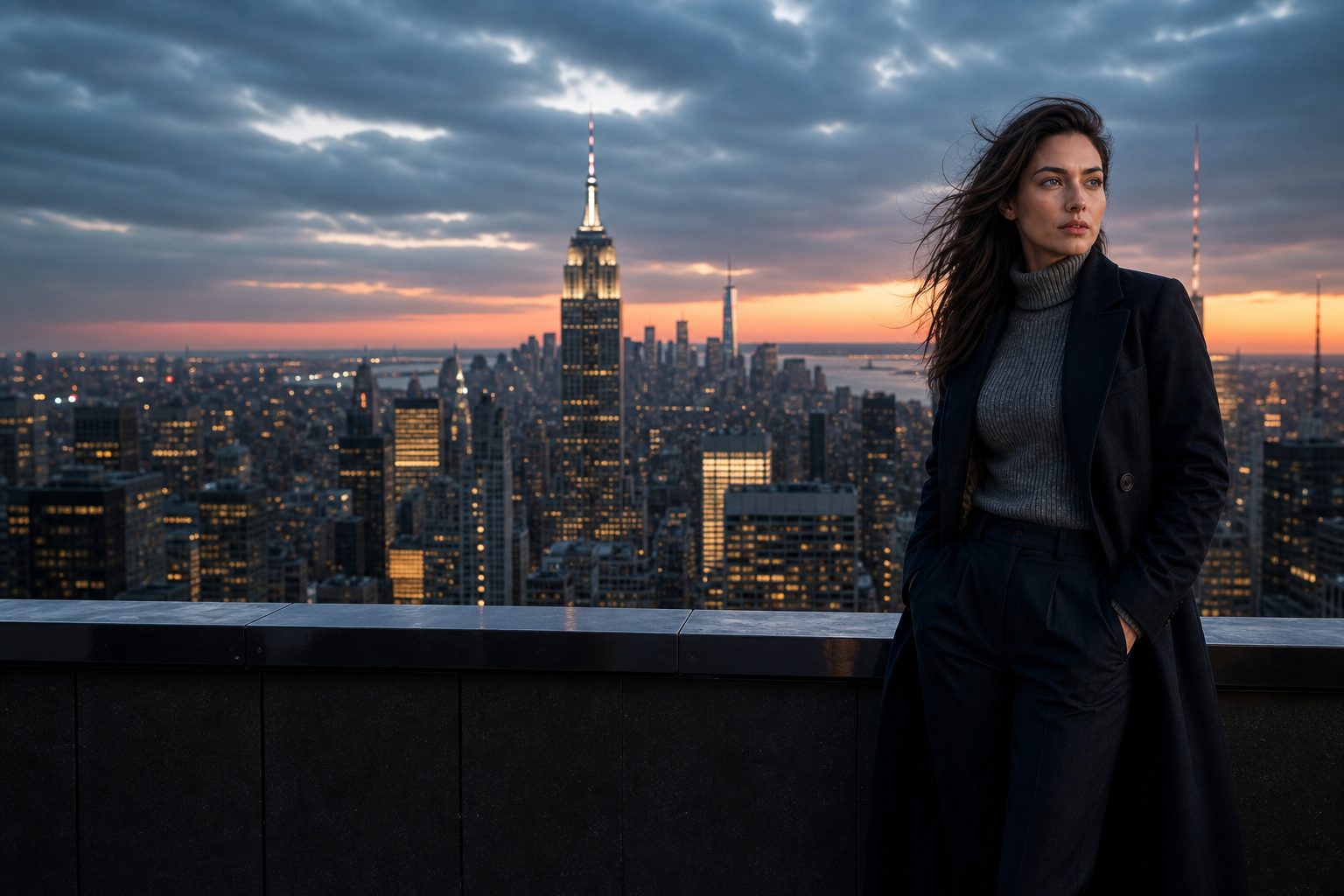
AI-generated character on a New York rooftop at dusk, navy coat, skyline open on the left

Create Hyper-Realistic Digital Models with AI in Seconds.

Design your perfect virtual character, digital influencer, or fantasy avatar. High-resolution, lifelike AI generation powered by next-gen neural networks.

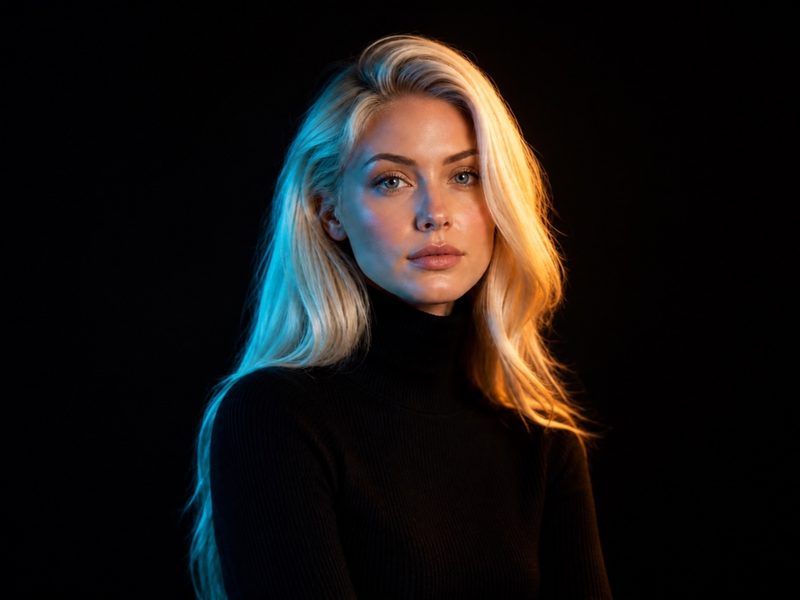
AI-generated 4:3 studio portrait with teal and amber gel lighting, black turtleneck, cinematic catchlights

How FanZoom builds a character

You describe a person in plain language. FanZoom Studio reads the setting, the wardrobe, and the light, then returns a photoreal still: a new face, with clothes and a scene, in one file. The render is 4K or 8K, so skin texture, catchlights, and fabric still look like a camera when you crop. No 3D rig, no photoshoot, no stock library.

Start Generating for Free
01

Write the prompt

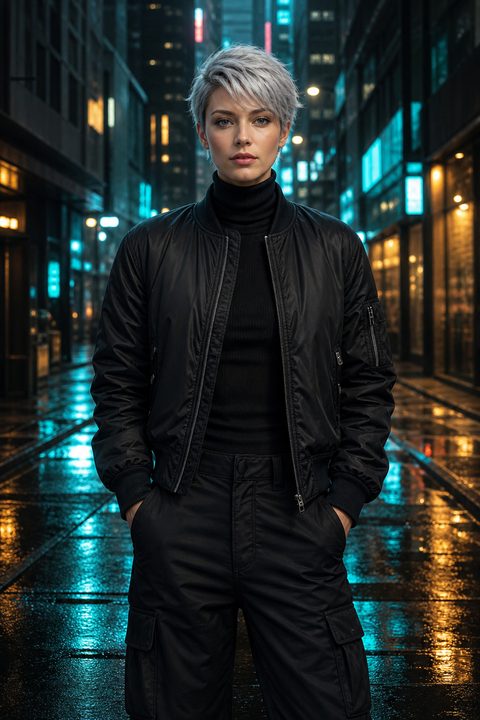
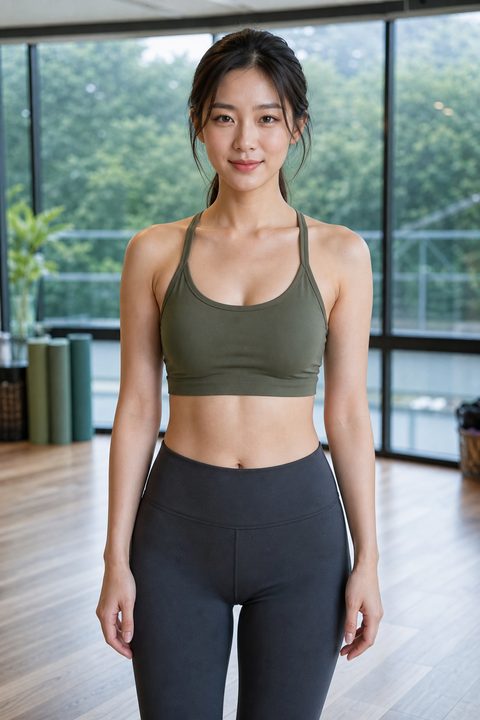
Name the setting, the clothes, and the light. A fitness model in a yoga studio reads differently from a cyberpunk character on a wet street. Hair, age range, and camera distance help the AI character generator lock a face instead of a generic headshot.

02

Generate the still

FanZoom renders a hyper-realistic digital model at 4K or 8K. Skin texture, catchlights, and fabric hold up when you crop in. Most people iterate two or three times: same face, new outfit, new street, new time of day.

03

Download and use it

You own the file you generate. Drop it into a game pitch, a virtual influencer feed, a product mock, or a campaign board. The license is built for commercial work, not just moodboards.

What you get with FanZoom Studio

FanZoom is a text-to-character tool for people who need a face on a deadline. Game artists, content leads, and solo marketers use it to generate AI avatars they can actually ship.

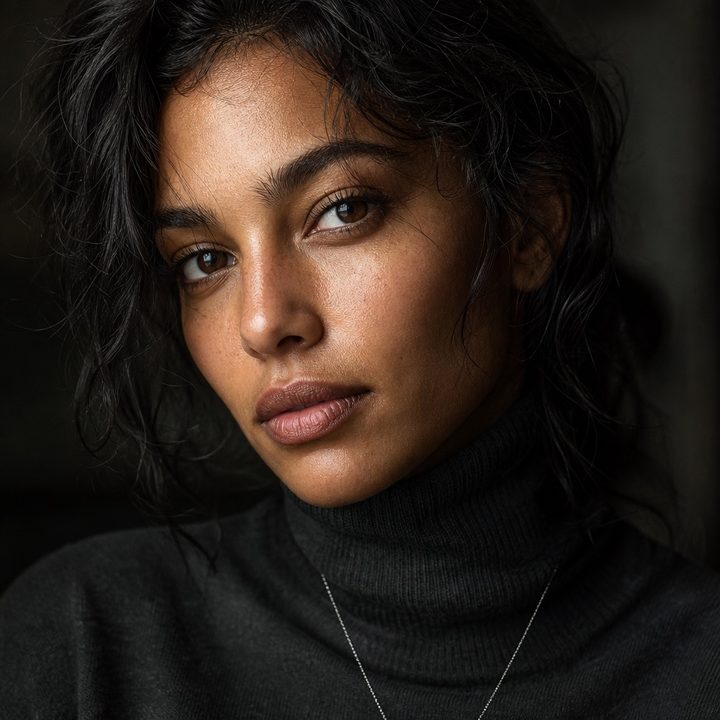
Close-up photoreal portrait of a woman in a charcoal turtleneck, skin texture and catchlights visible

Ultra-Realistic Details

Generate 4K/8K resolution characters with lifelike skin textures, lighting, and cinematic rendering.

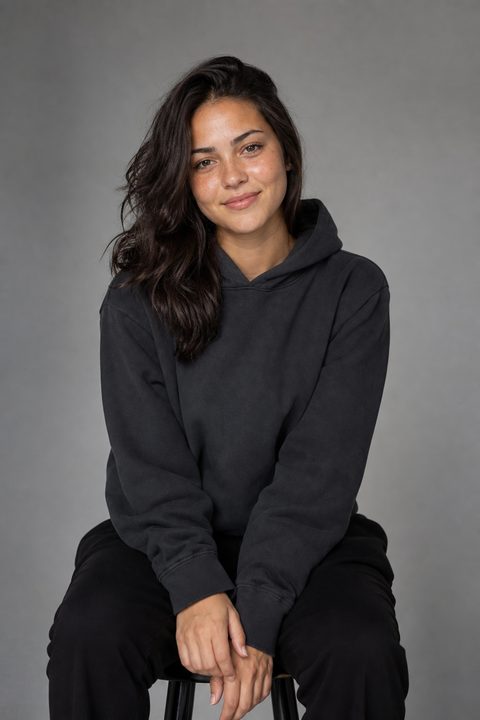
Close-up crops still look like a camera, not a filter. Pores, flyaways, and fabric weave stay in the file. That matters when a digital influencer portrait sits next to a real product shot, or when a game character sheet has to survive a 27-inch monitor.

Fully Customizable

Control every aspect from facial features and hairstyles to outfits and environments, using simple text prompts.

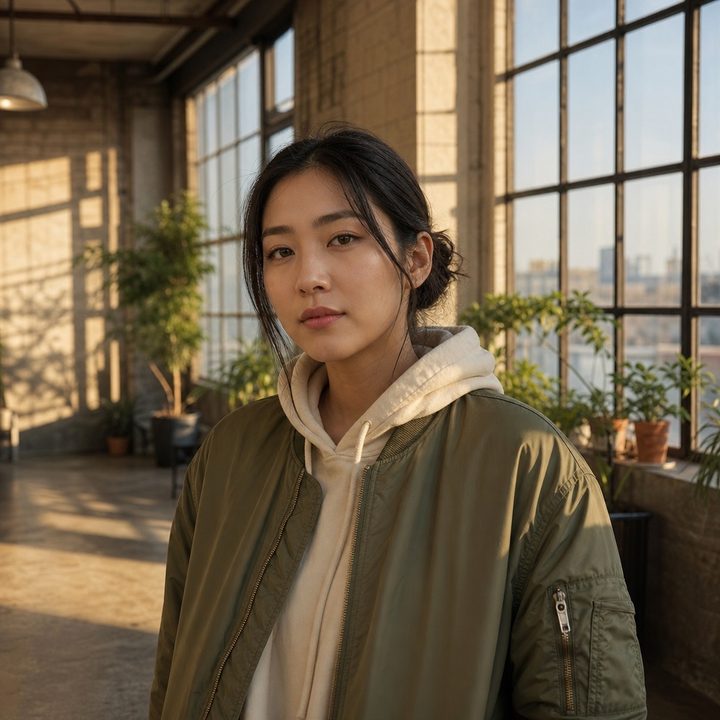
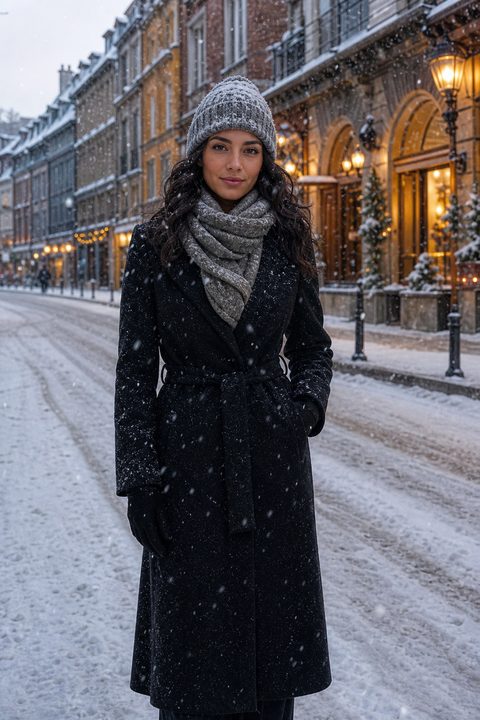
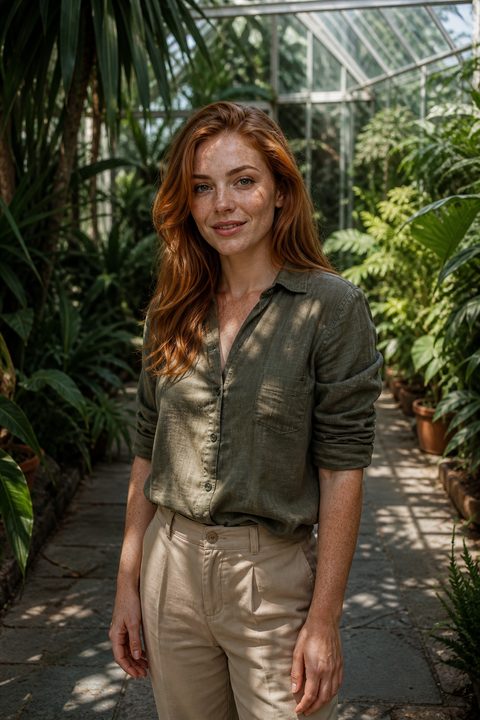
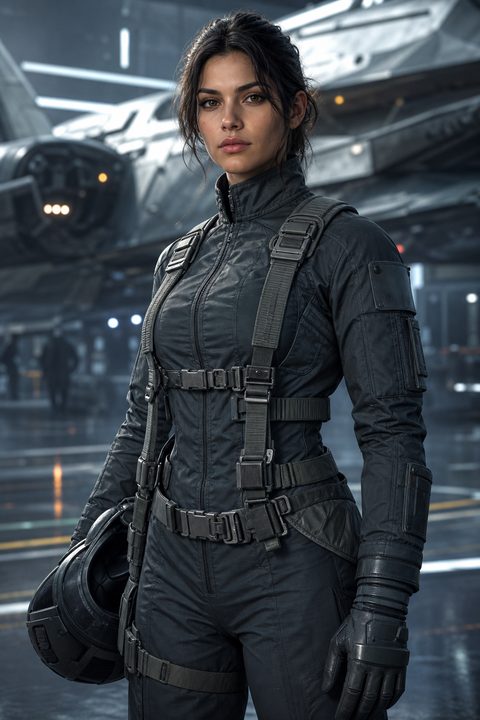
You can keep the same person and change the world around them: studio grey, rooftop dusk, forest mist, neon alley, a cafe window, a greenhouse, a snow street. Wardrobe stays SFW: athletic wear, streetwear, coats, hoodies, flight suits, armor. If you can describe it in a sentence, you can ask the generator for it.

Photoreal woman in an olive bomber and cream hoodie in a sunlit industrial loft
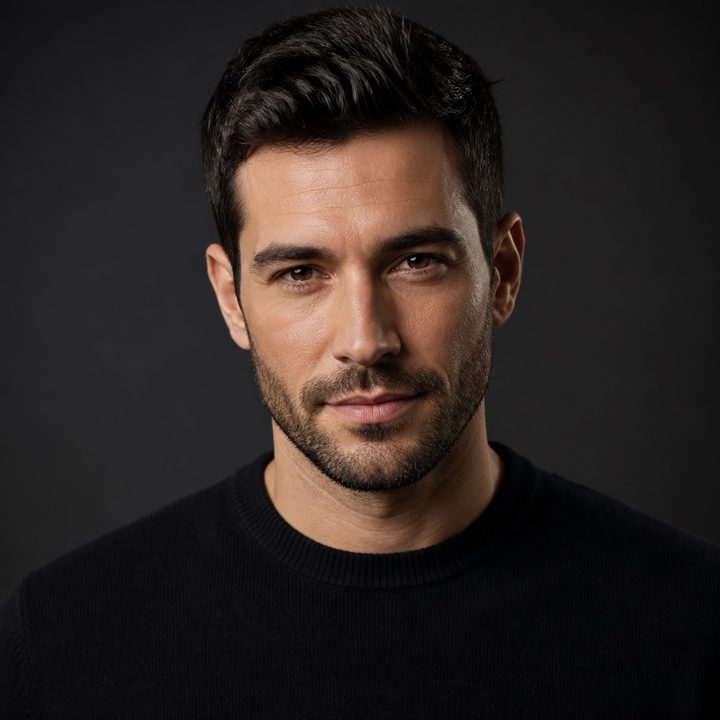
Photoreal studio portrait of a man in a black merino crewneck, campaign lighting

Commercial Rights

Own your creations. Perfect for game development, digital marketing, and virtual influencer branding.

The still is yours to use in ads, store pages, pitch decks, and social posts. You do not pay a per-image stock fee and you do not wait on a model release. FanZoom Studio is built for output you can put in front of a client.

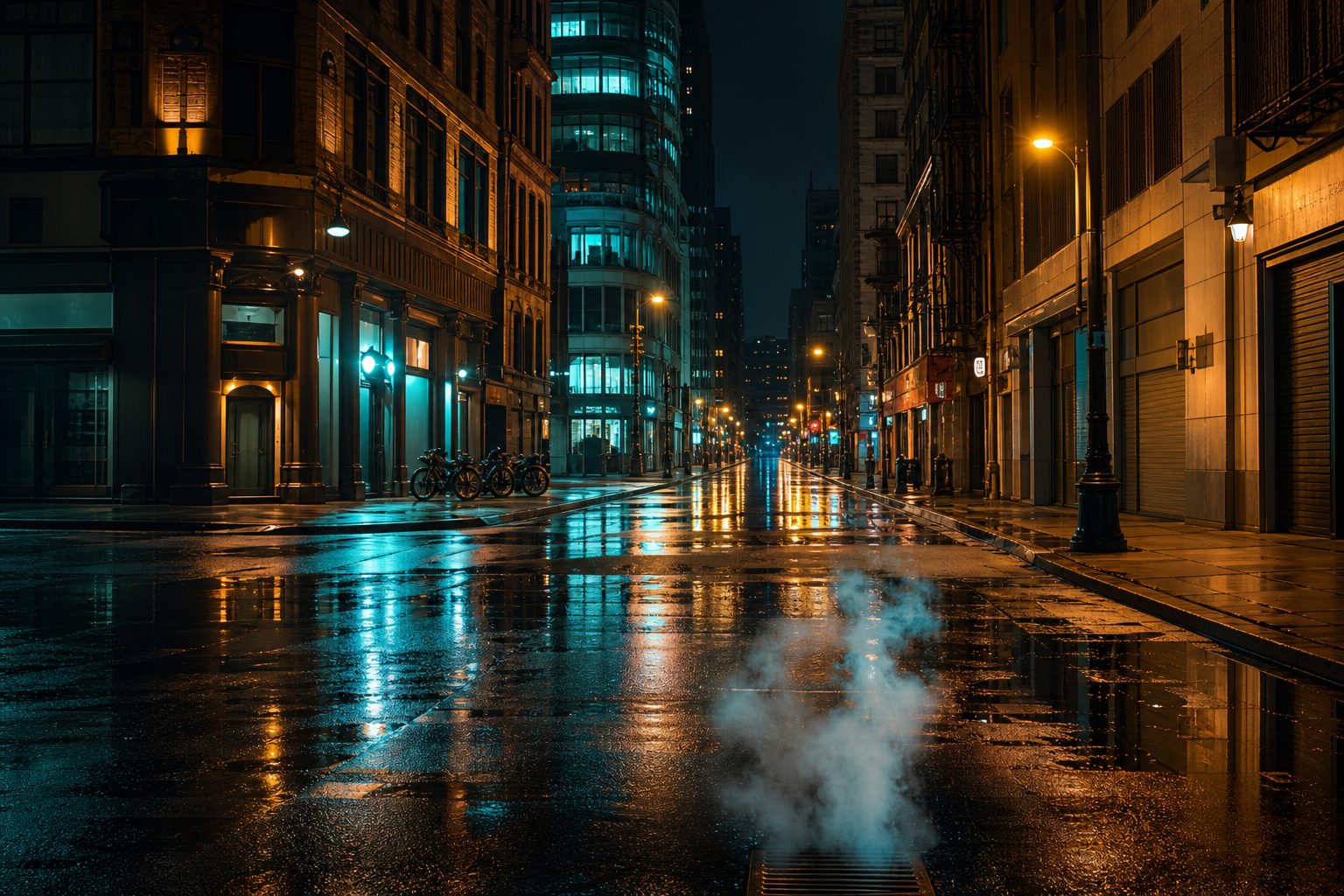
Empty rain-soaked city street at night, teal and amber neon on wet asphalt, no people

Who uses an AI character generator

Game development

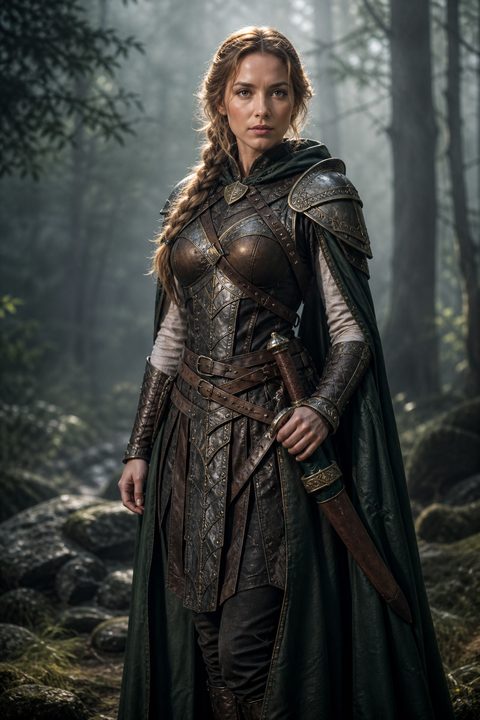
Indie teams use FanZoom for NPC portraits, splash art, and early character boards. You can test a cyberpunk lead, a fantasy warrior, or a contemporary athlete in an afternoon instead of commissioning a full turnaround on day one.

Digital influencers and social brands

Content leads build a virtual influencer with a consistent face, then restage her in new cities and outfits. The stills are photoreal enough for ads and landing pages. They are also SFW, which keeps brand and ad-network review simpler.

Marketing and product mockups

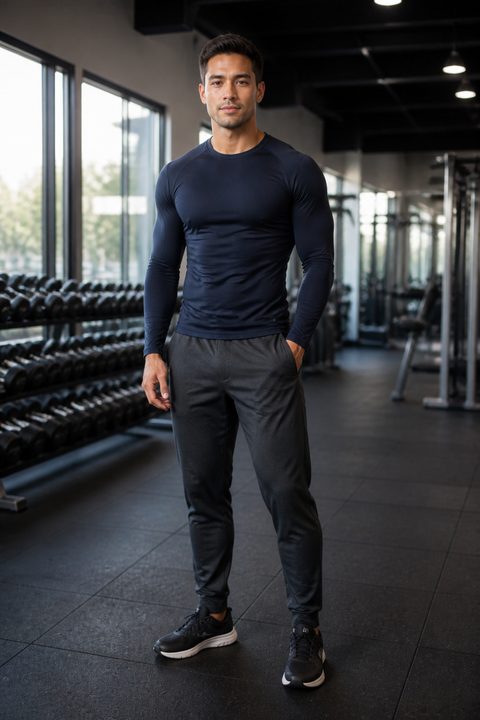
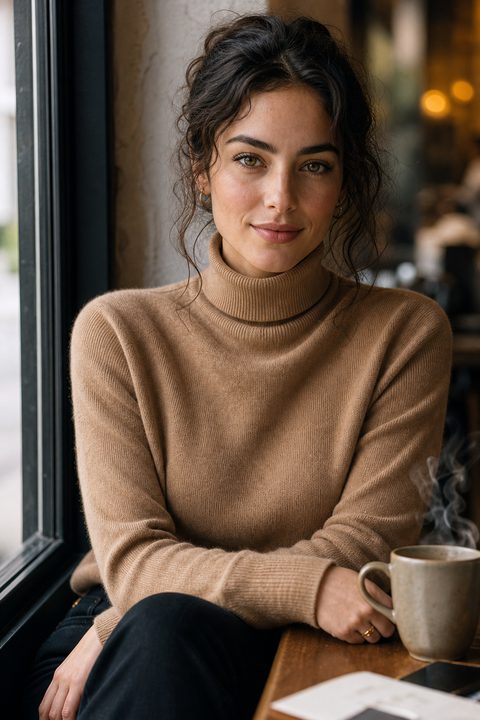
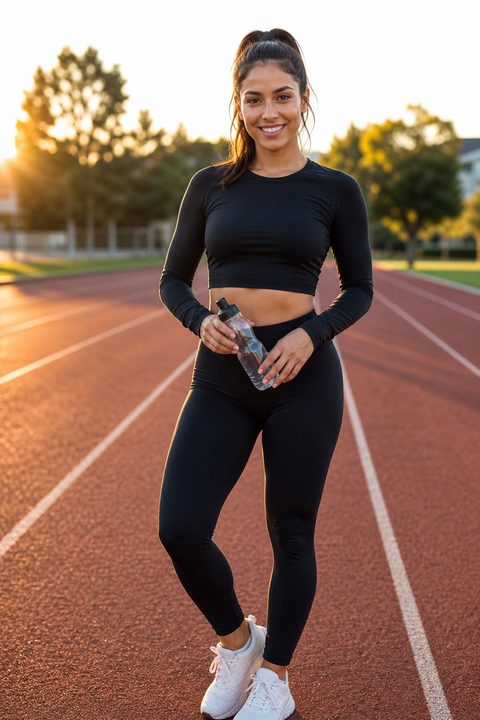
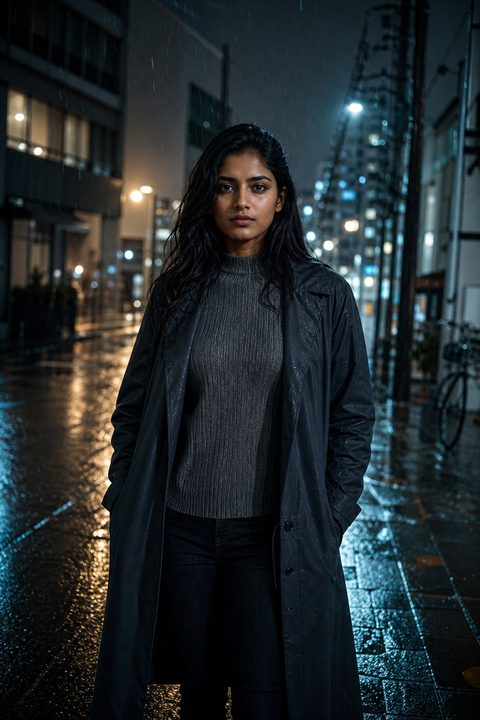
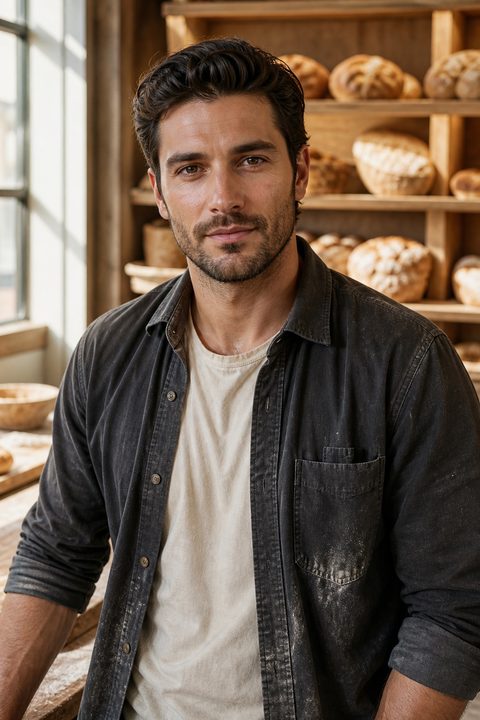
If you need a person in the frame and you do not have a shoot booked, generate a hyper-realistic digital model in the clothes and room you need. Fitness, street cast, cafe, rain, canyon, hangar: the gallery below is the range.

Fashion lookbooks and apparel

Apparel teams need a body in the season's clothes without waiting on a model booking. Generate a lookbook still, change the jacket, keep the face, and put it on a store page the same week.

Publishing and covers

Book designers and magazine editors need a face that is not already on three other spines. Generate a cover portrait, keep the commercial rights, and you do not pay a stock model fee.

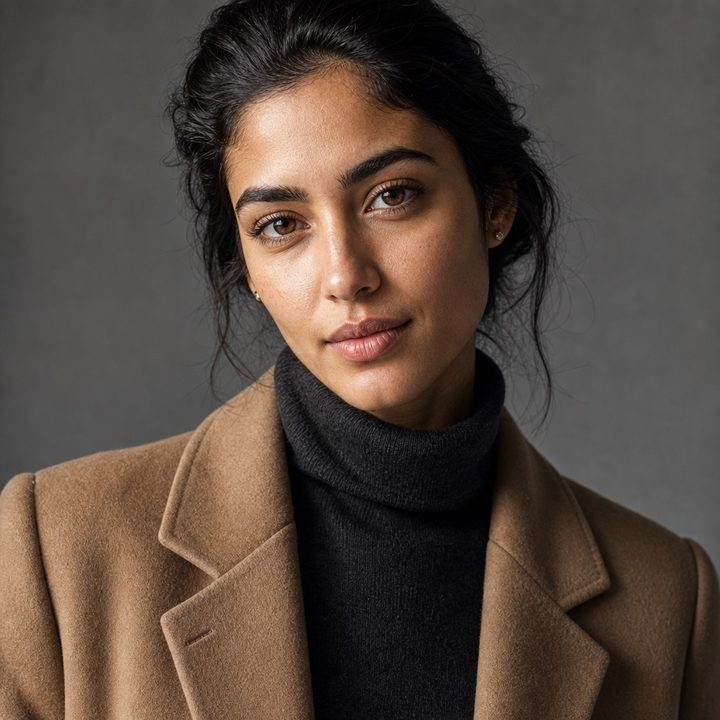
Photoreal studio portrait of a woman in a camel coat and charcoal turtleneck, window light, campaign still
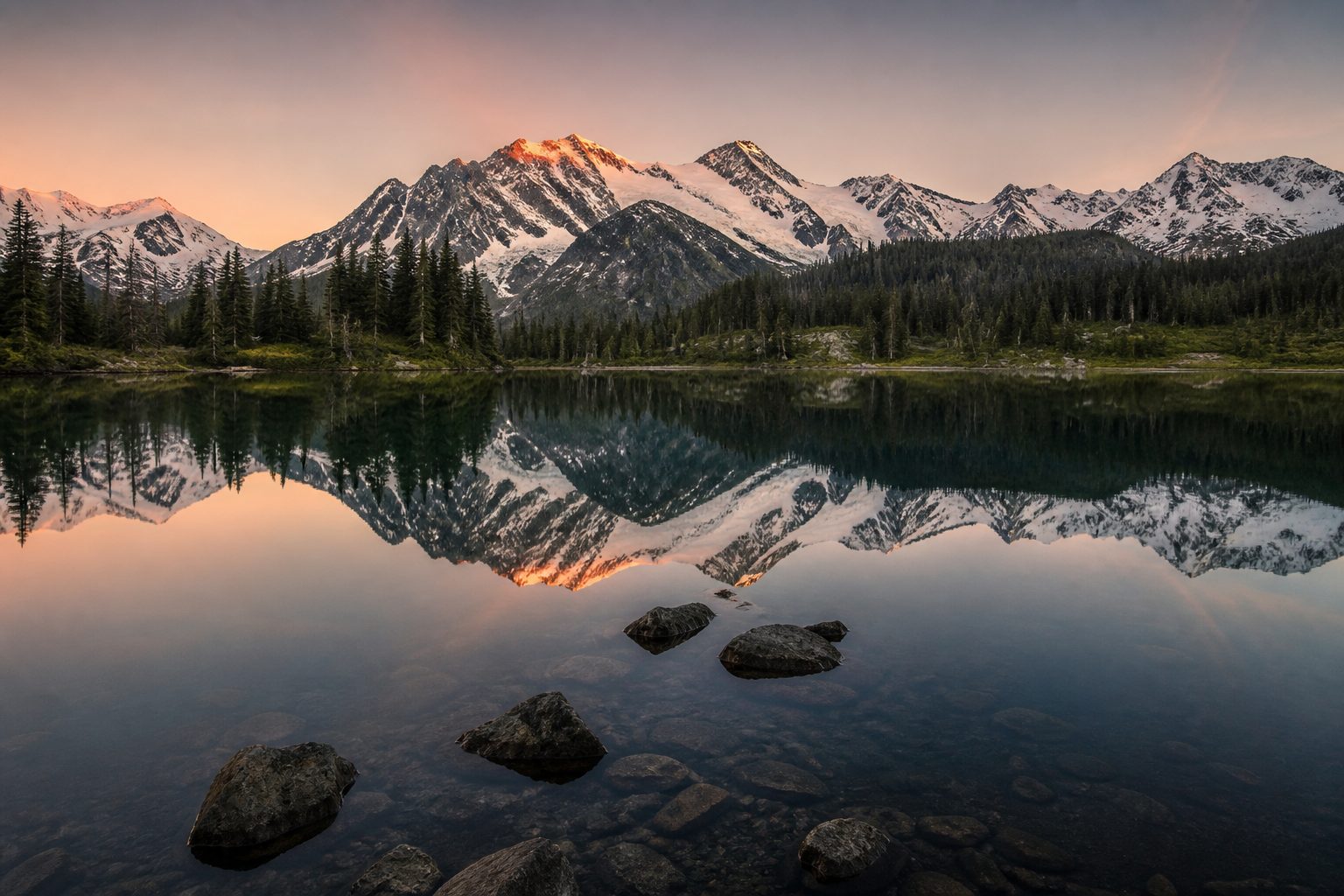
Empty alpine lake at dawn, snow peaks mirrored in still water, pine shore, no people

What people make with it

This tool changed how I create characters for my indie game. I can iterate on faces in an afternoon.

Mark T.Indie game designer

I use it for virtual influencer branding. The skin and lighting hold up when we drop stills into ads.

Priya N.Content lead

I mock jackets on a generated model before we book a shoot. Lookbook stills hit the store the same week.

Lena K.Apparel producer

An AI character generator for work you can publish

FanZoom Studio is a web-based AI character generator for hyper-realistic digital models. You type a prompt. The site returns a photoreal still of a person: a digital influencer, a fantasy avatar, a fitness model, or a game character. Resolution goes to 4K and 8K. The files are meant for screens, ads, and art bibles, not as throwaway thumbnails.

Most AI image tools will give you a pretty picture. FanZoom is aimed at a narrower job: a believable human face you can reuse. Same jawline in a yoga studio and on a rooftop. Same person in armor and in a hoodie. That is what virtual influencer branding and character-driven games actually need.

The catalog stays Safe For Work. Sports bras and yoga pants, streetwear, coats, hoodies, and full armor.

Commercial rights sit on the account, not on a separate checkout. When you generate a character on FanZoom, you can use that still in a paid campaign, a Steam capsule, a pitch deck, or a client presentation. The underlying software stays ours. The picture you downloaded is yours.

If you have used stock photography for "woman on street, 25, looking at camera," you already know the problem: the same face shows up in three other brands that week. An AI avatar generator does not give you a celebrity lookalike. It gives you a new person, on demand, in the light you asked for.

Start Generating for Free. We add you to the waiting list and email setup instructions to the address you submit. Your first session is an introductory Zoom call we book with you.

Start Generating for Free

Frequently asked questions

What is FanZoom Studio?

FanZoom Studio is an AI character generator that creates hyper-realistic digital models from text prompts. You describe a person, a wardrobe, and a location. The site returns a high-resolution still you can use as a digital influencer portrait, a game character sheet, or a campaign image. It runs in the browser. You do not install a local GPU stack.

How does the AI character generator work?

You write a prompt the way you would brief a photographer: subject, clothes, place, light, and mood. FanZoom's models turn that language into a photoreal portrait. You can keep generating until the face, the outfit, and the background match what you need. Typical prompts mention 8k resolution, cinematic lighting, and a specific setting such as a yoga studio, a cafe window, or a neon street.

Is FanZoom Safe For Work?

Yes. FanZoom is an SFW AI generator. Allowed looks include fitness models in yoga pants or sports bras, cyberpunk and cosplay characters, and digital influencers in streetwear or casual layers.

Do I own the characters I generate?

Yes. Stills you create with FanZoom Studio come with commercial rights for your own projects: games, ads, virtual influencer accounts, and client work. You may not use the site to copy a living person's likeness as a lookalike. The generator, the website, and the training stack remain FanZoom property.

What resolution do the digital models export at?

FanZoom targets 4K and 8K stills. That is enough for a full-width website hero, a print-adjacent poster, or a tight crop on a face. If you only need a social avatar, you can downscale. Start from the large file so skin texture and lighting survive the crop.

Can I use FanZoom for a virtual influencer?

That is one of the main jobs. Generate a face, then restage the same digital influencer in new cities, outfits, and times of day. Content teams use the stills in ads and on profile grids. Because the catalog is SFW, the images are easier to run through brand review and ad-platform checks than an unrestricted image model.

Can game developers use this for characters?

Yes. Indie and mid-size teams use FanZoom for concept portraits, NPC faces, splash marketing, and store art while the 3D mesh is still in progress. A cyberpunk lead, a forest warrior, or a contemporary athlete can be prompted in minutes. It does not replace a rigged character in-engine. It covers the 2D portrait and marketing still that you need first.

How do I control face, hair, and outfit?

Put those details in the prompt. Name the haircut, the jacket, the pants, and the shoes. Name the room or the street. If you want the same person again, reuse the descriptors that worked: age range, hair color, face shape, and a short wardrobe note. FanZoom is prompt-driven. There is no separate slider panel on the landing flow.

Is it really free to start?

The homepage CTA is Start Generating for Free. You enter an email and we add you to the waiting list. A teammate writes to that address with setup instructions and books your first introductory Zoom call. Plan limits, if any, are explained after you are in the product, not in the hero.

How is this different from stock photos?

Stock gives you a real person who also appears in other campaigns. FanZoom gives you a new AI-generated character for that brief. You pick the street, the hour, and the clothes. You do not pay a per-image stock license and you do not wait on a model booking. For a one-off hero image or a virtual mascot, that gap is the whole point.

What kinds of characters can I prompt?

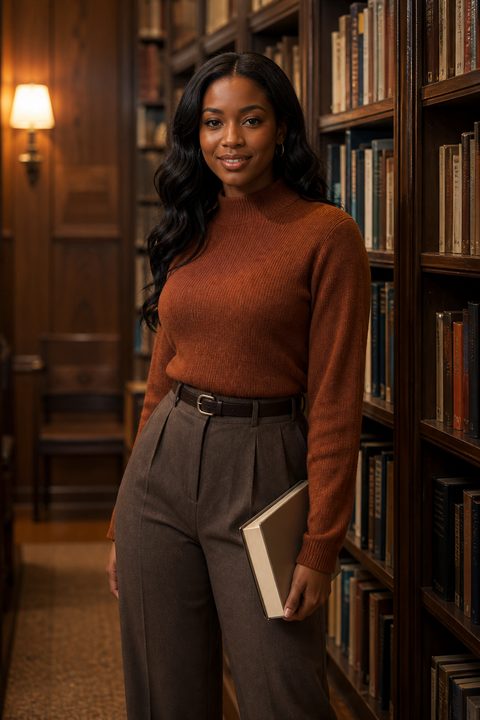
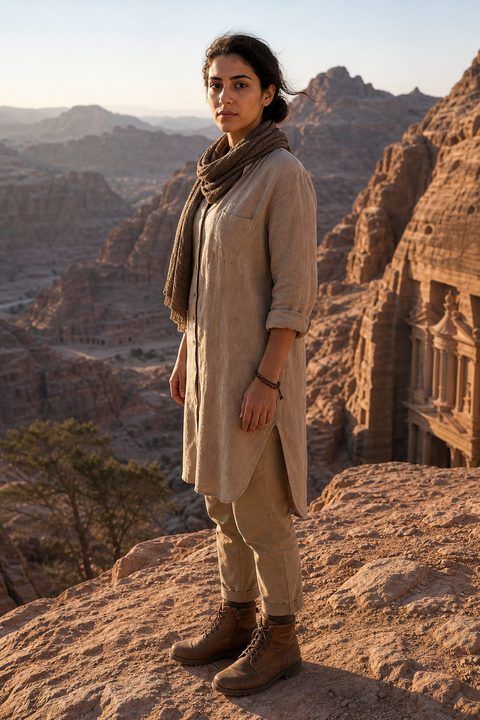
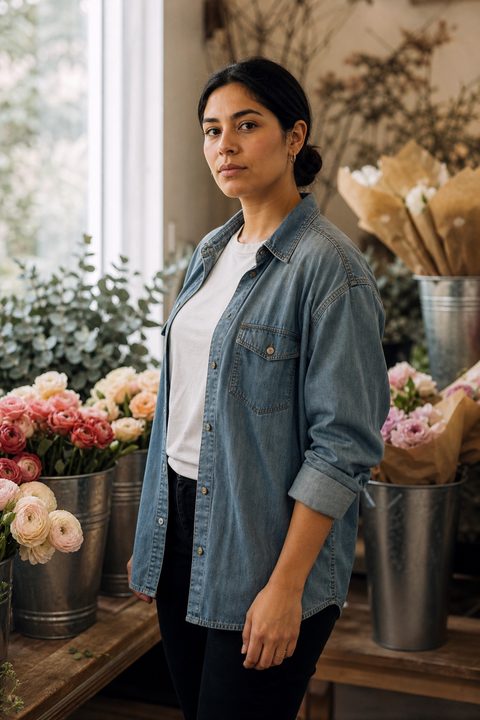
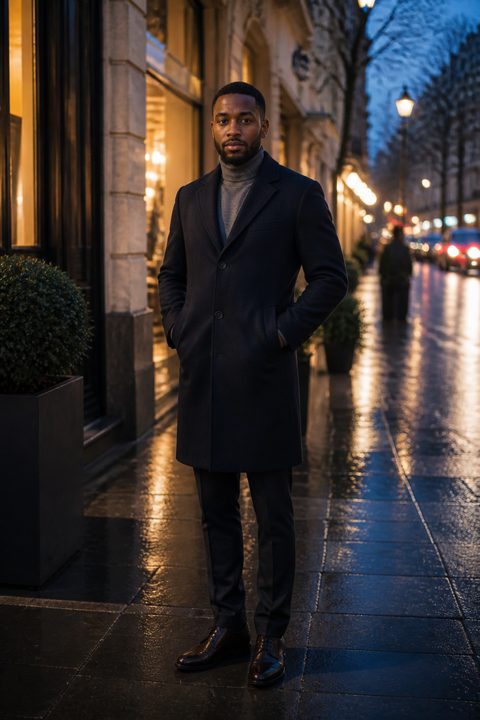
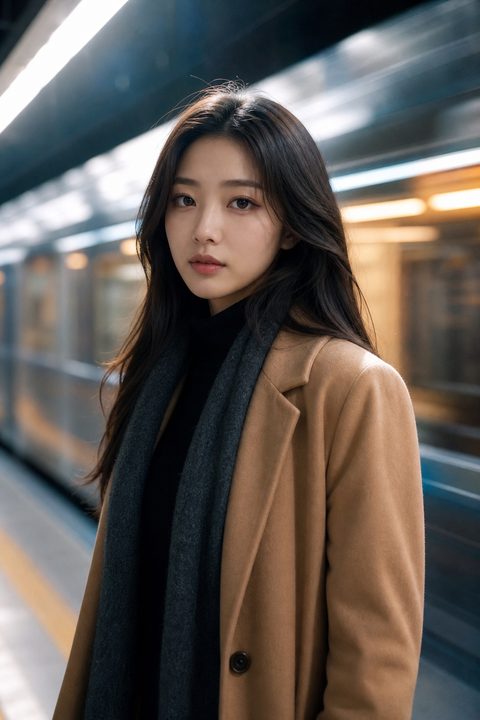
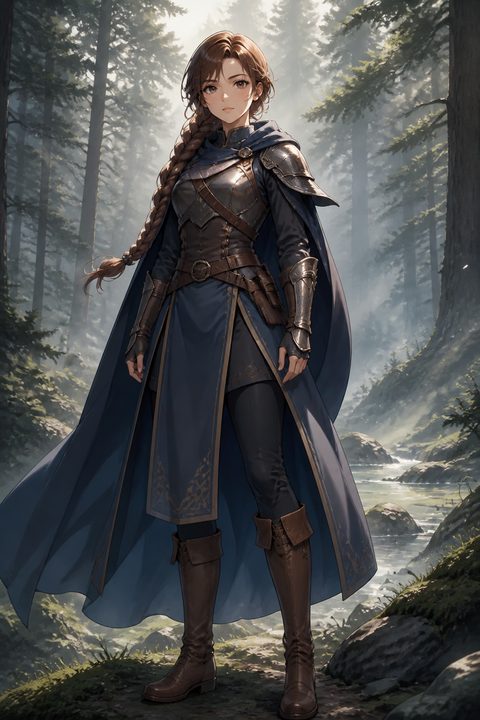
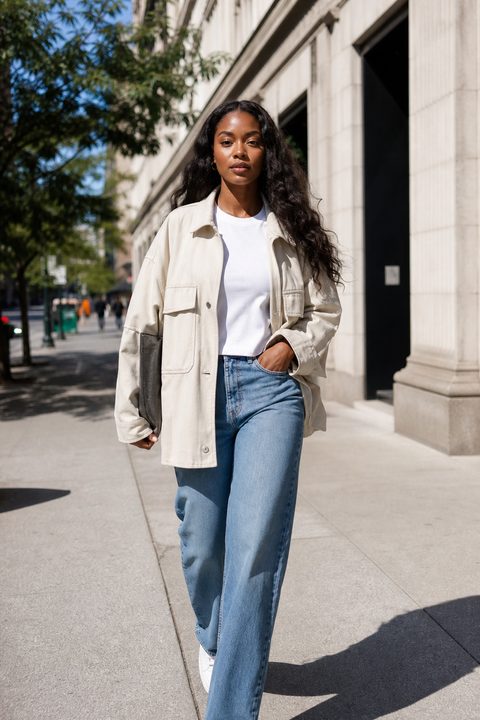
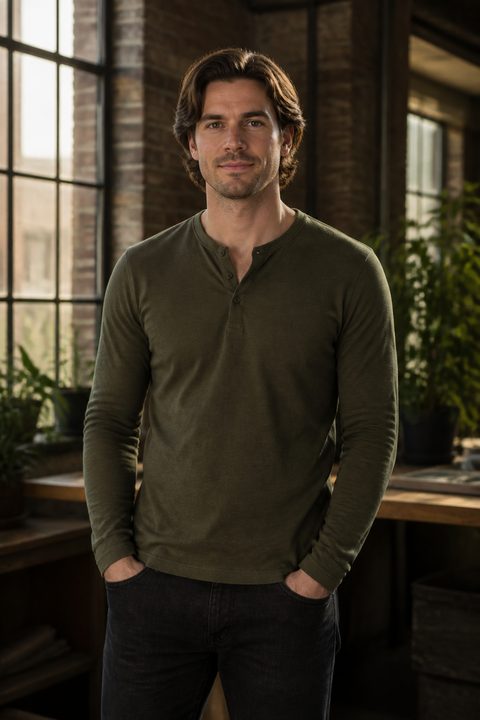
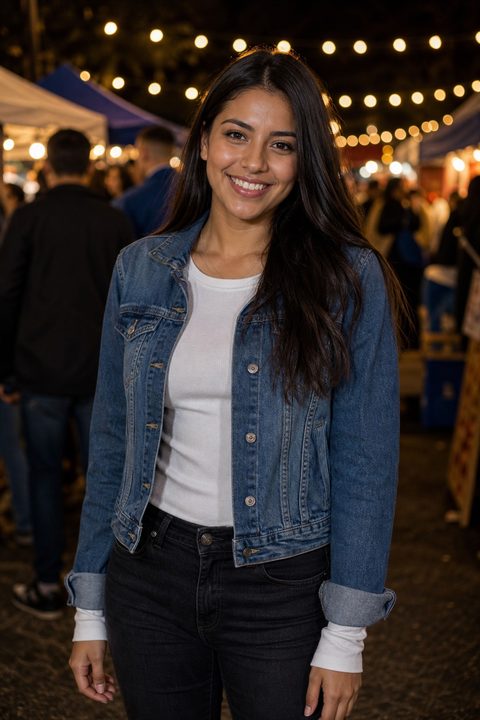
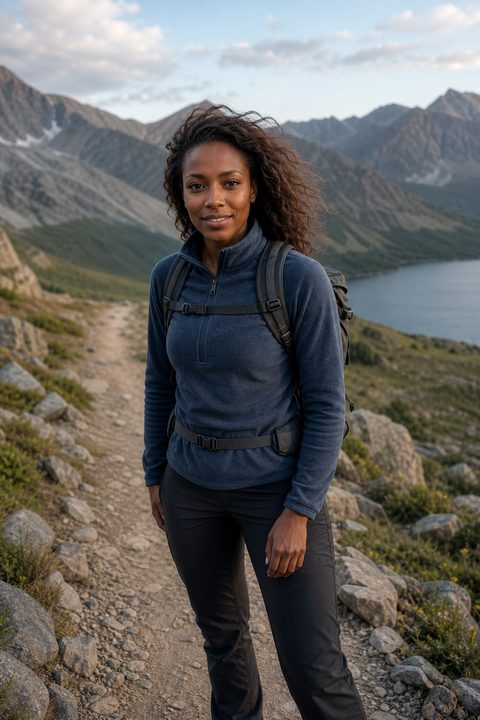
Photoreal men and women in athletic wear, streetwear, studio casual, tailored coats, raincoats, flight suits, cyberpunk layers, and fantasy armor. The same briefs also render as anime: a neon rooftop cyberpunk still and a misty-forest warrior. Settings in the current showcase include a yoga studio, a gym, a cafe, a neon city street, a greenhouse, a sidewalk, rain at night, a misty forest, a library, a running track, a mountain trail, a subway platform, a canyon ridge, a night market, a gel-lit studio, a snow street, an industrial loft, a dusk sidewalk, a flower shop, a bakery, and a spacecraft hangar. Keep clothing opaque and the pose ordinary: standing, walking, looking at camera.

How long does a generation take?

On the marketing flow, submitting your email puts you on the waiting list. Access starts after the introductory Zoom. Inside the generator, a still is meant to come back in seconds, which is why the H1 says that. Heavy 8K jobs can take longer than a preview crop. If a render fails, submit the same prompt again.

Can I put FanZoom images in paid ads?

Yes, within the commercial rights and the SFW rules. Priya's review on this page is the intended use: virtual influencer stills inside ads. You are responsible for the rest of the ad: claims, landing URL, and platform policies. FanZoom does not run Meta Pixel or other ad trackers on this site.

What data do you collect when I sign up?

We ask for an email so we can enroll you on the waiting list and write to you with instructions. The Privacy Policy covers identity, contact, technical, and usage data. You can Accept or Decline the cookie banner. Support is support@fanzoom.net.
You are on the waiting list.

You are enrolled. A FanZoom Studio teammate will contact you at this email with setup instructions, then schedule your first introductory Zoom call.

Contact email

  1. 1 Watch your inbox

    We write only to the address above. If you do not see the note, check spam.

  2. 2 Follow the instructions

    That email has the onboarding notes and what to prepare for the call.

  3. 3 Introductory Zoom

    We book the first call with you from that thread. Nothing else to submit here.